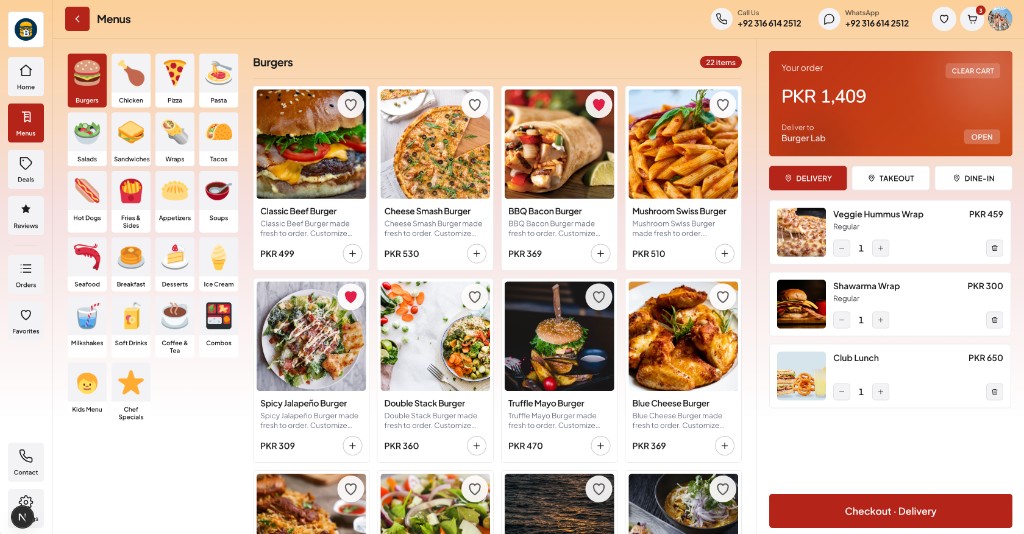
Menus
Browse categories and items with favorites and quick add.
What's included
Real screens from the customer website, customer app, and admin panel — with the features each product ships.
Customer website
A full web ordering experience under your brand — menus, deals, reviews, checkout, and customer accounts — ready for desktop and tablet.
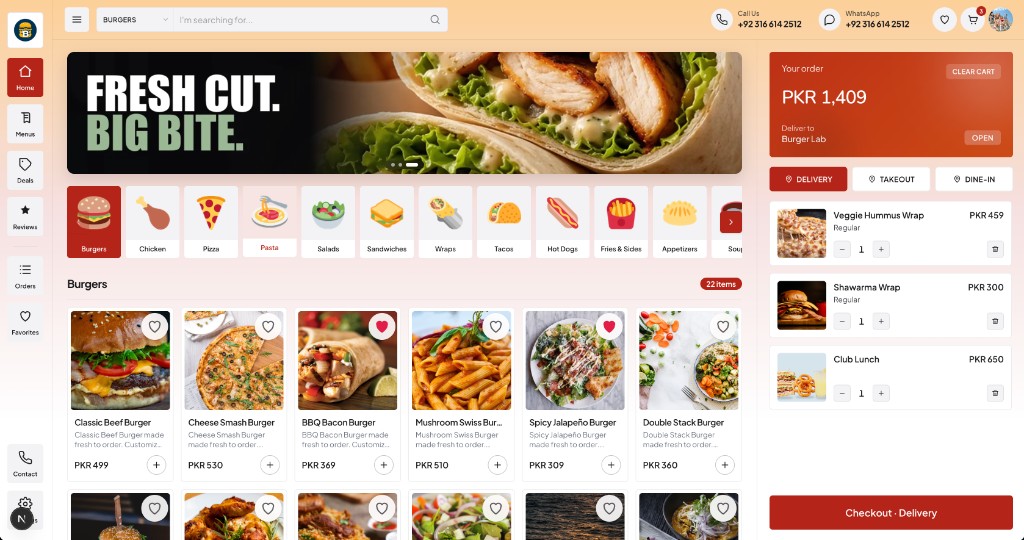
Browse categories and items with favorites and quick add.
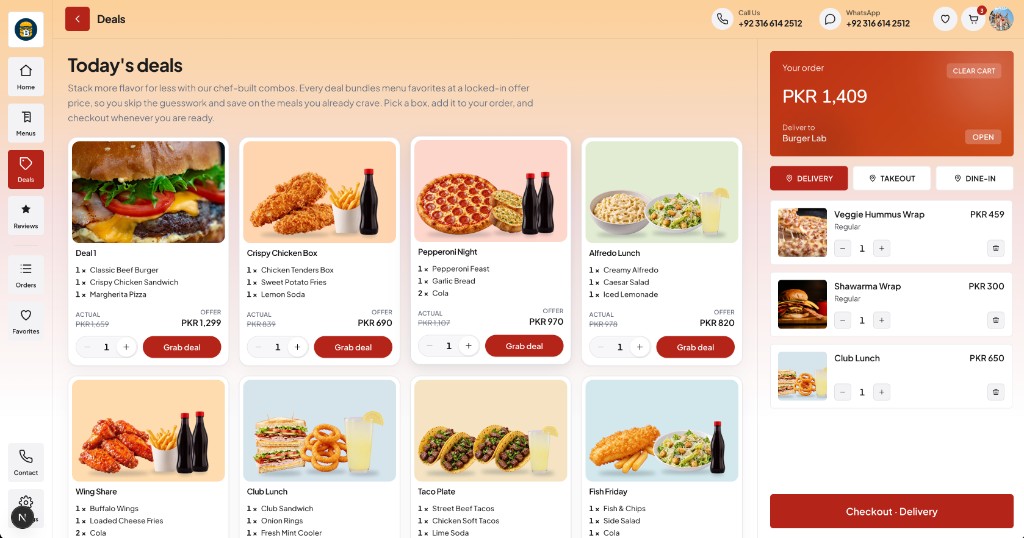
Chef-built combos with offer pricing customers can grab in one tap.
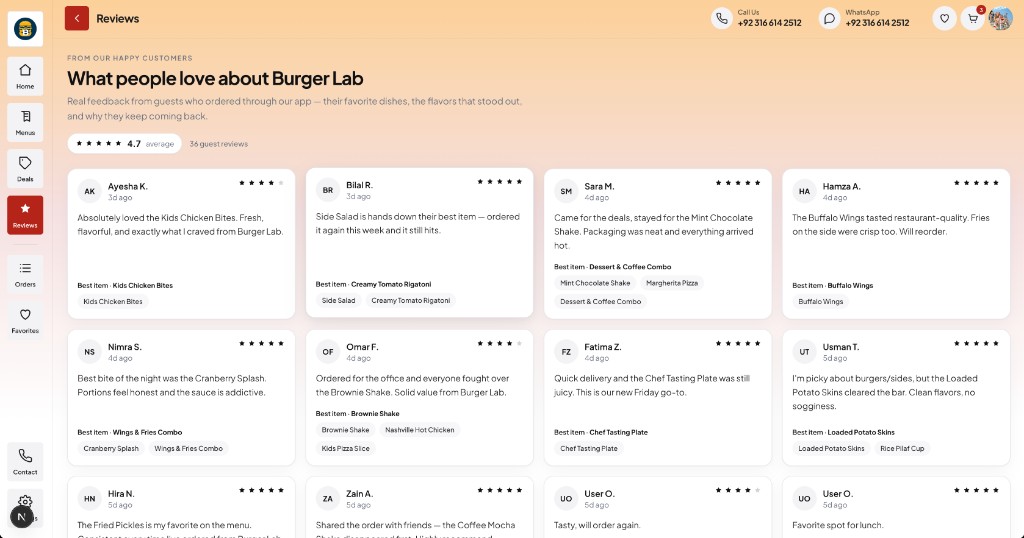
Ratings and customer feedback tied to favorite menu items.
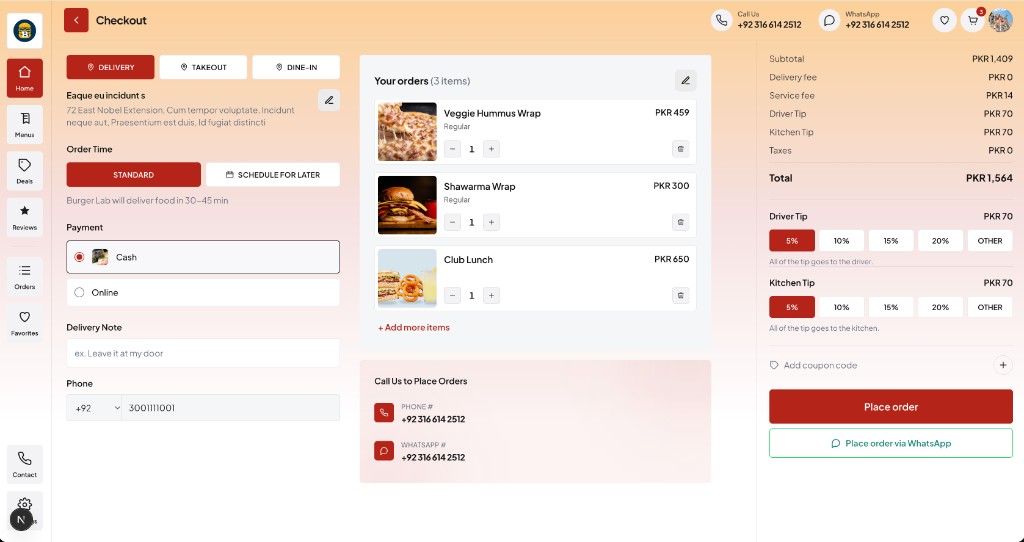
Address, timing, payment, tips, and place-order in one flow.
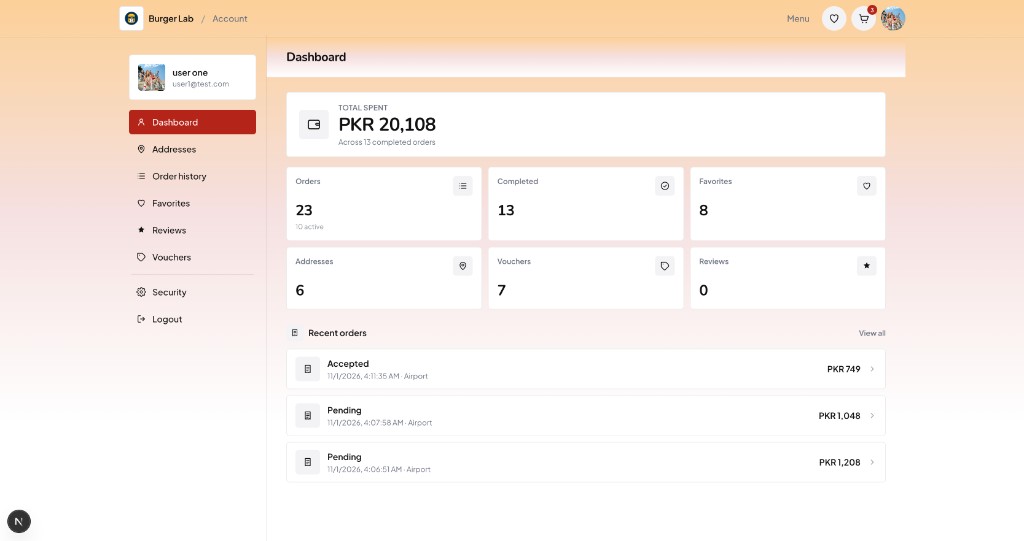
Spend summary, favorites, vouchers, and recent orders.
Customer app
The same branded experience on phones — search, menus, deals, checkout, and profile — built for repeat ordering on the go.
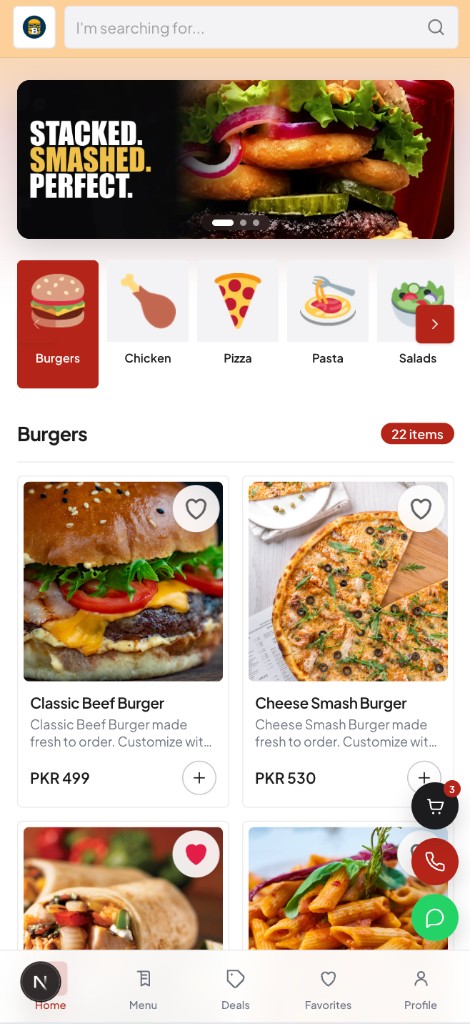
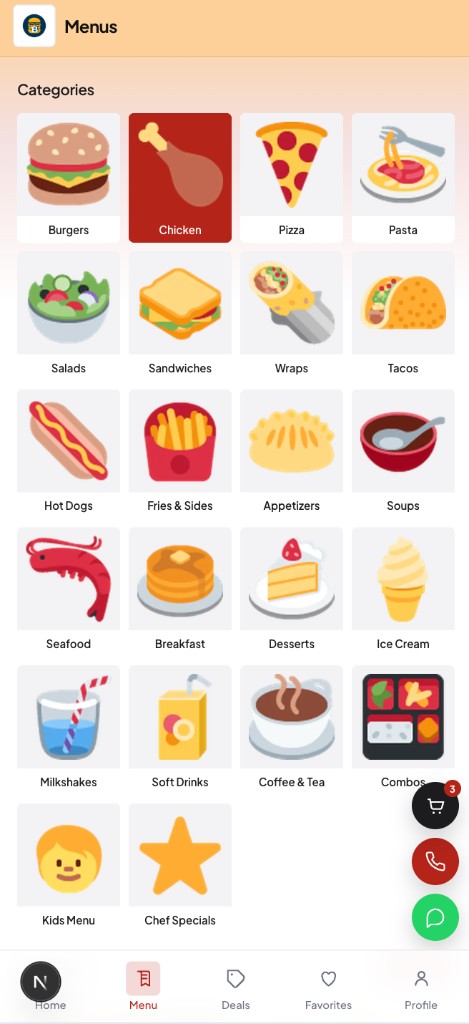
Full category grid for fast browsing on small screens.
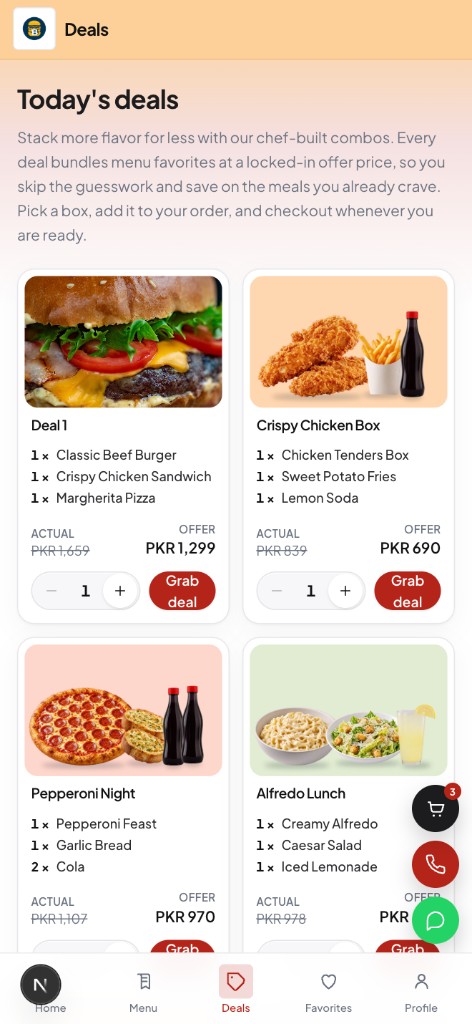
Combo offers with clear savings and grab-deal actions.
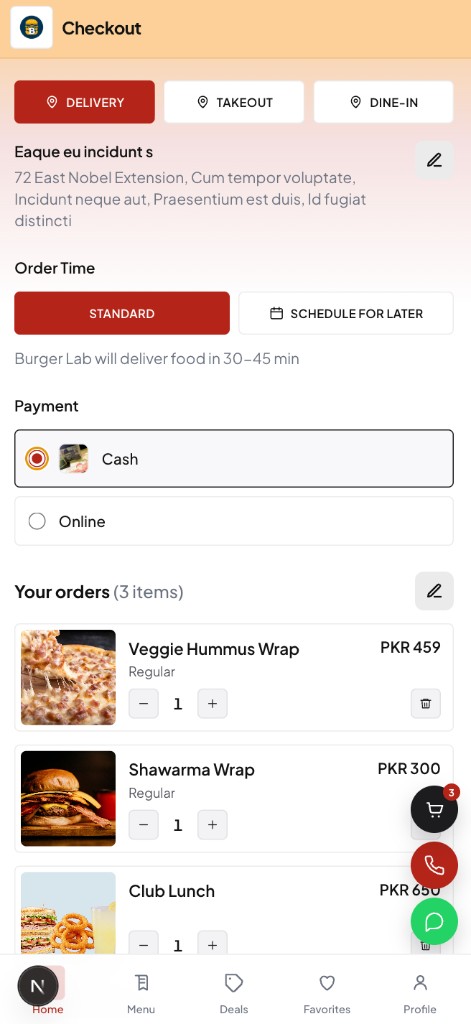
Delivery options, payment, and cart edits without leaving the flow.
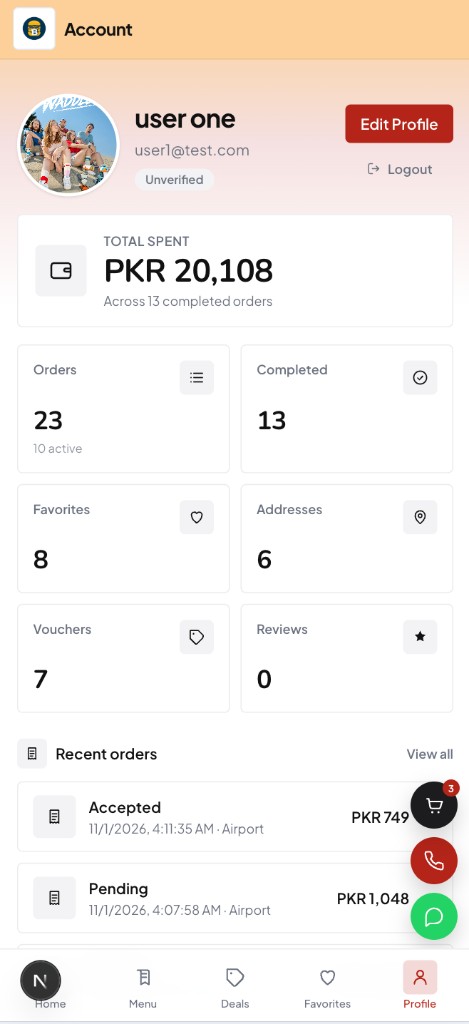
Customer profile, totals, stats, and recent orders.
Admin panel
Run the brand day to day — live orders, branches, menus, deals, staff, and reporting — from one operations console.
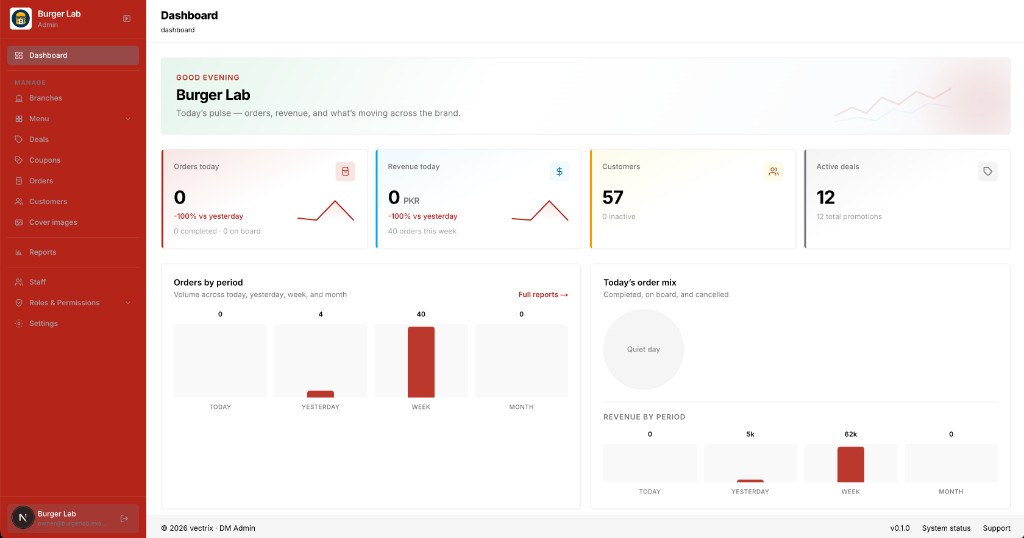
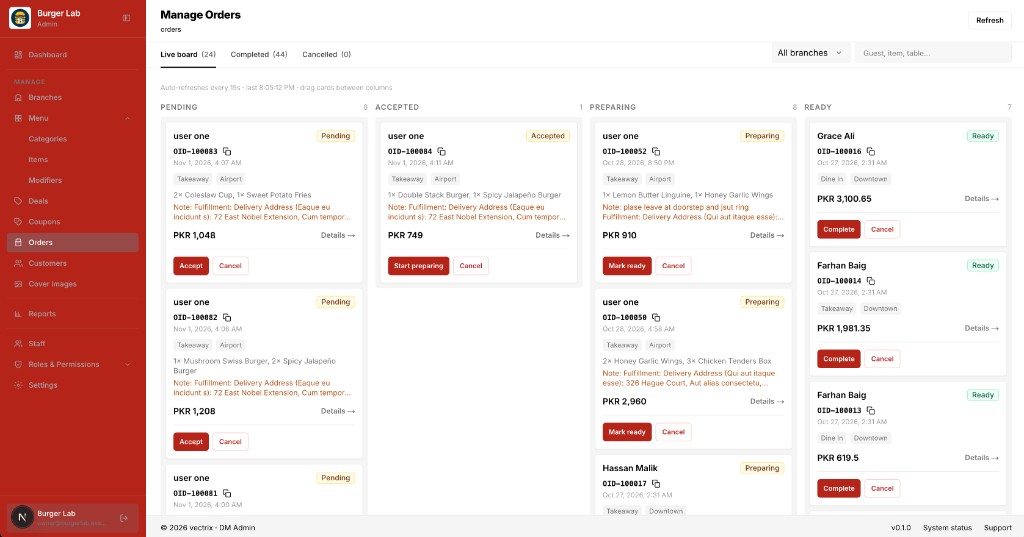
Kanban board from pending through ready and complete.
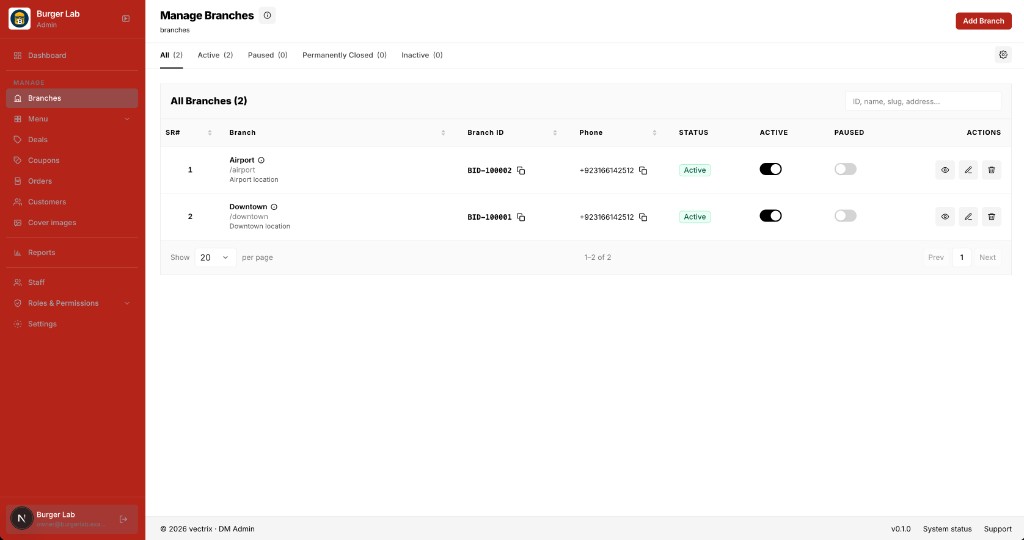
Manage locations, status, and contact details per branch.
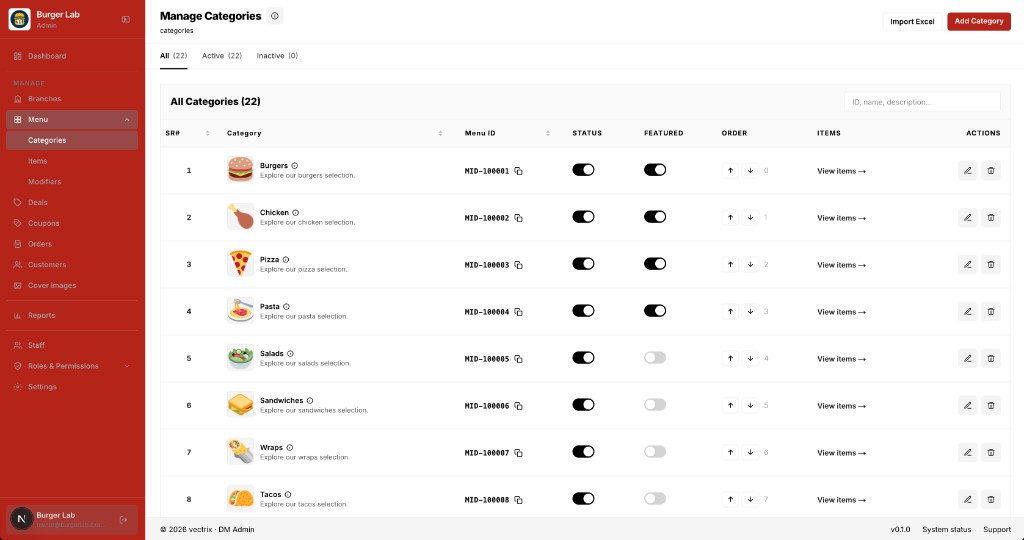
Organize categories, featured flags, and item order.
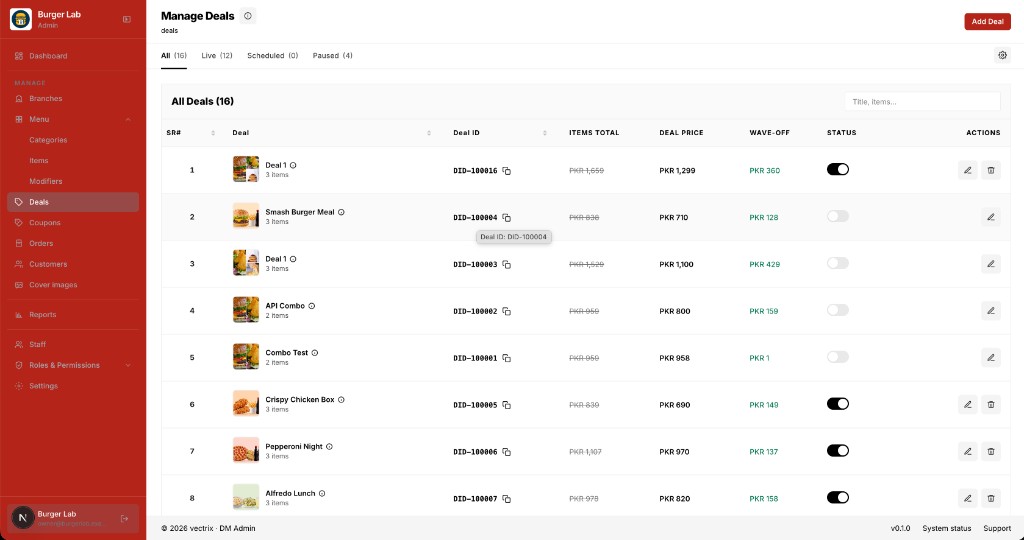
Create offers, wave-offs, and go live or pause anytime.
We'll walk through the customer website, customer app, and admin panel using your menu and branding.